Product
Behind the Scenes: How Get Moments Finds What Matters in Your UGC Library
Get Moments
|
|
6
min read
Companion blog post to our video on AI-powered search. If you haven't seen it yet, watch it here.
At Sziget 2025, fans uploaded over 55,000 video clips using our app. Some shots were three seconds of someone's shoe. Others were genuinely stunning captures of a headline set.
How do you find the good stuff? How do you find specific stuff, fast, without a giant team of people watching it all?
We just shipped the answer: full AI-powered video search across an entire UGC library. You type what you're looking for, the platform finds it.
Here's how we built it.
The pipeline
Every video that comes into Get Moments goes through an automated processing sequence before anyone sees it. Each step feeds information into the next, and it’s all happening behind the scenes in our admin dashboard: Backstage.
1. Metadata extraction
First, we pull everything we can learn from the file itself without touching the visual content. Resolution, duration, codec, colour profile, timestamps. This is used for filtering in the Backstage dashboard, for allocating compute efficiently, and for colour and tone mapping when we later edit multiple clips into a single reel.
2. Proxy generation
UGC comes in every format imaginable. To run analysis consistently and make processing easier, we generate 720p proxies based on the metadata extraction: standardized versions of each clip, with a unified format and specs.
Proxies also power visually demanding formats like Mosaic, where dozens of clips get composited into a single branded canvas as seen at the end of this video.
3. Video feature extraction
For every video, we compute a compact numerical representation of the clip's content: 512 numbers that capture its visual essence. Think of it as a fingerprint for what the video looks like and what's happening in it. These go into highly optimised vector databases built for fast retrieval. At 100,000+ clips, you need to work with the content abstractly, not by re-watching.

4. Highlight prediction
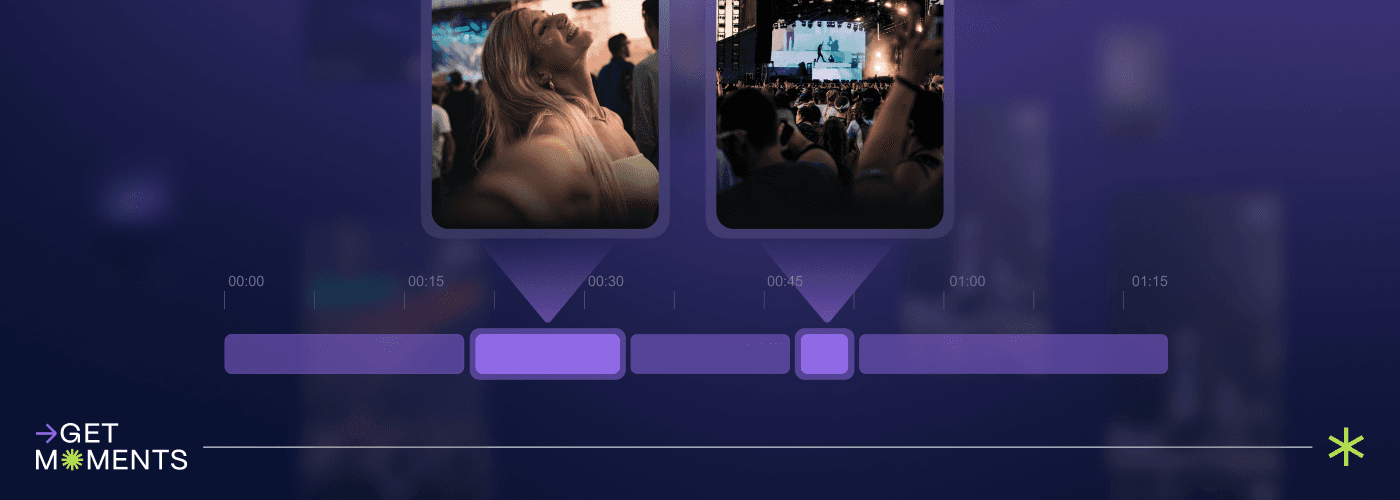
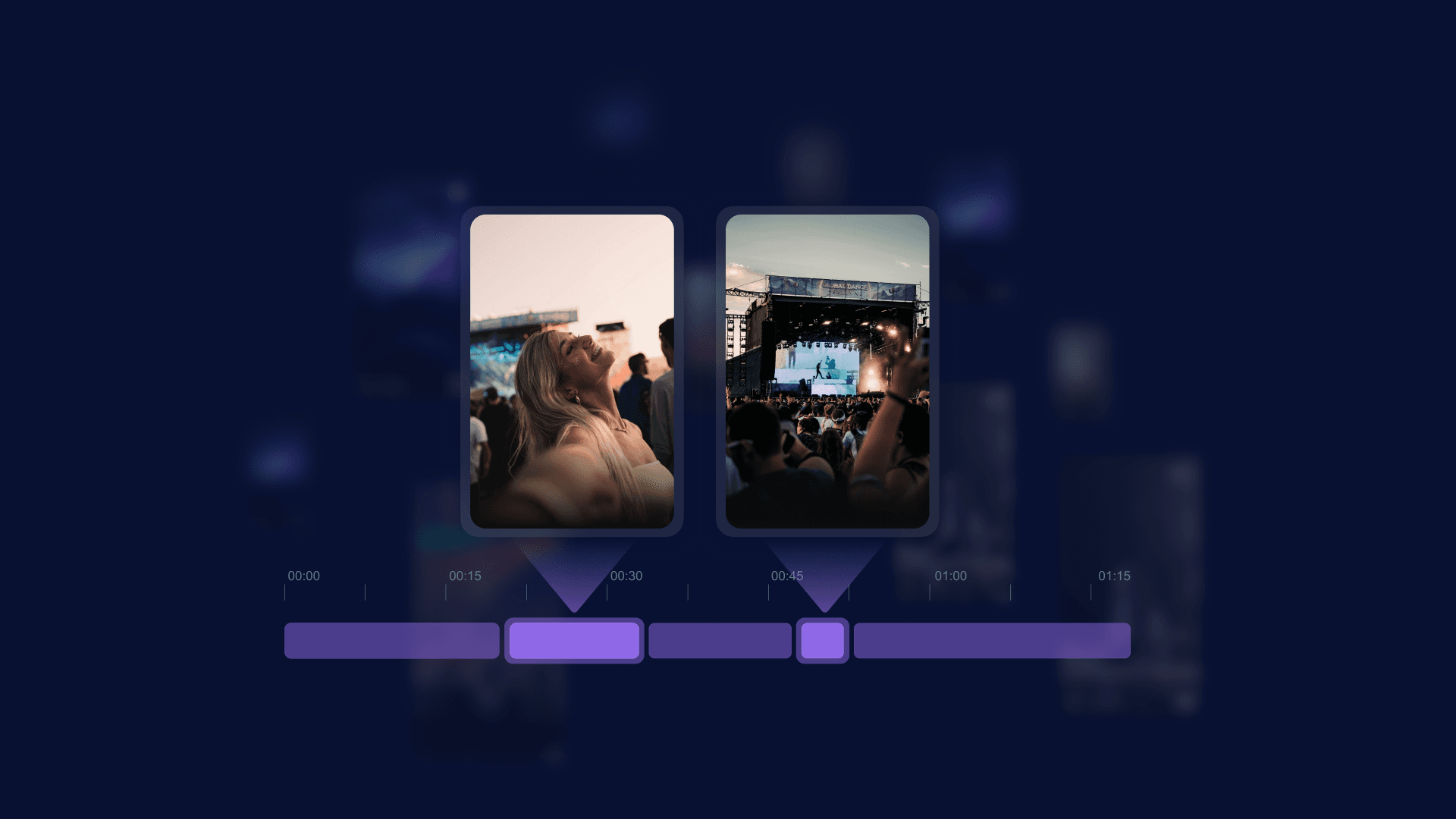
A fan might film three minutes, but the good bit is four seconds in the middle. We run specialised tools that predict where highlights sit within each clip, outputting exact time intervals. By default the system picks out the most watchable segments on its own, but it can also be prompted to look for specific things: "crowd singing along," "hands in the air."
5. Quality assessment
Not all UGC is usable. Our quality layer scores each clip on shakiness, lighting, and focus, and filters accordingly. When a fan gets a personalised reel or a brand pulls content for a campaign, the underlying clips need to hold up. Nobody shares a branded video built from unwatchable footage.
6. Content moderation
An incredibly important part of the process. Moderation models flag violence, extremism, nudity, and brand conflicts. Flagged content goes into a review queue and won't appear in any output until cleared. If you're putting your sponsor's logo on content fans will share across social media, this is non-negotiable.
We’re also putting our new comprehensive moderation section for brands and organisers through its final stages of testing at the moment – but that’s a story for another day.
Search: where it comes together
By the time a video has gone through the pipeline, we know a lot about it without a single person having watched it. Search is the layer that makes all of that information useful.
Important: we're not sending your videos to OpenAI or any external API. The system is built on machine learning models for video content analysis combined with language models, using open-source technologies and our own research. Processing stays within our infrastructure.
In practice, you type a query: "people dancing," "someone holding a beer can," "crowd during sunset," "confetti on stage." The system finds matching clips across the entire UGC library and isolates the relevant portions within them.
For a brand running a festival activation, this is a different game. Instead of hoping that somewhere in 50,000 clips there's usable footage of their product in a natural context, they can search for it. "People drinking [product]." "Stage with [brand] banner visible." Results in seconds.
For event organisers: “main stage at night” for a recap, “candid crowd reactions” for a social post, footage of a specific set. Search for it. No one is manually tagging these videos. The system understands what's in them.
What this unlocks next
Search is the foundation for the next stage: a full prompting engine. Describe the video you want and the platform generates it from the UGC library. Something like: "15-to-20 second highlight reel of people dancing. High quality only. Fast-paced editing. Clip length around one second. Strong opening. Vertical format."
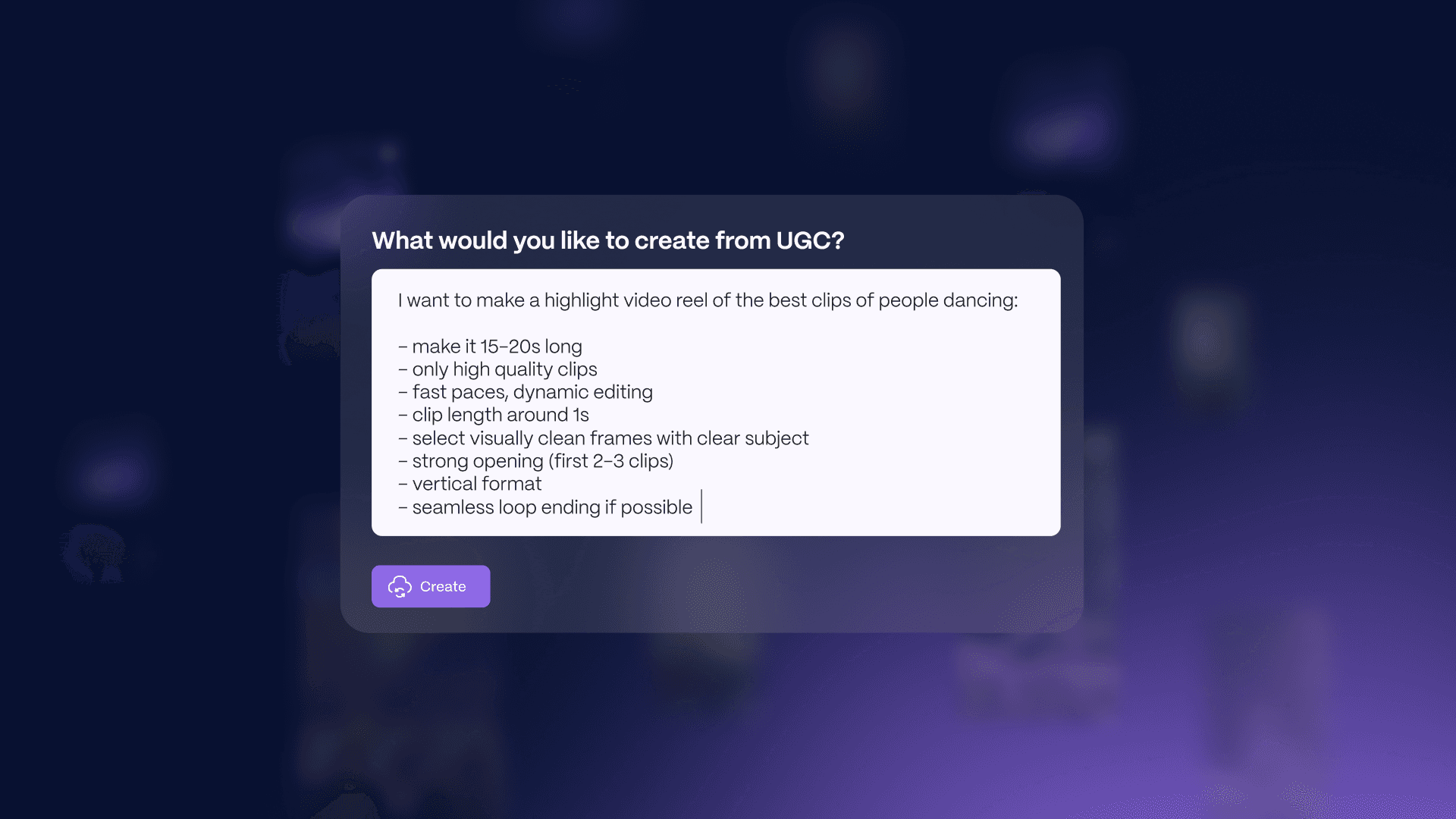
Type the prompt, get the reel. Want ten versions? No problem. Each one assembled from real fan footage, different clips, different cuts. Same source material, infinite variations, with each tailored to a different audience, platform, or message as you need it.
Again, that’s all coming soon. But Search is what makes the prompting engine possible.
You can't generate a reel from a prompt if the platform doesn't understand what's in its library. Now it does.
Want to see Search in action? Get in touch via hello@getmoments.com and we'll schedule a 15-minute demo for you.